
Hi everyone, the NetForge-AI team here.
Teaching networking, or interviewing someone for a network role? Meet Classroom.
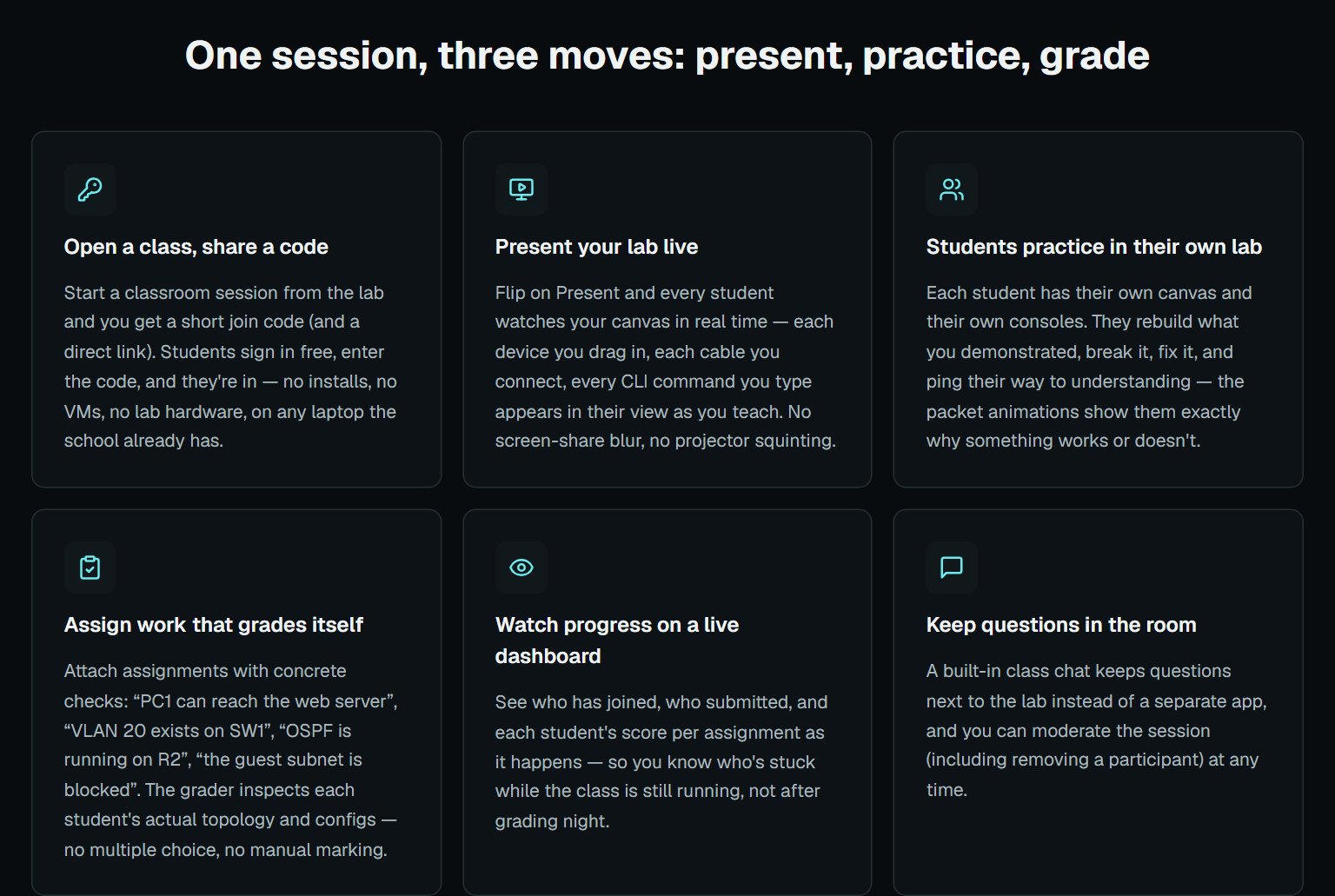
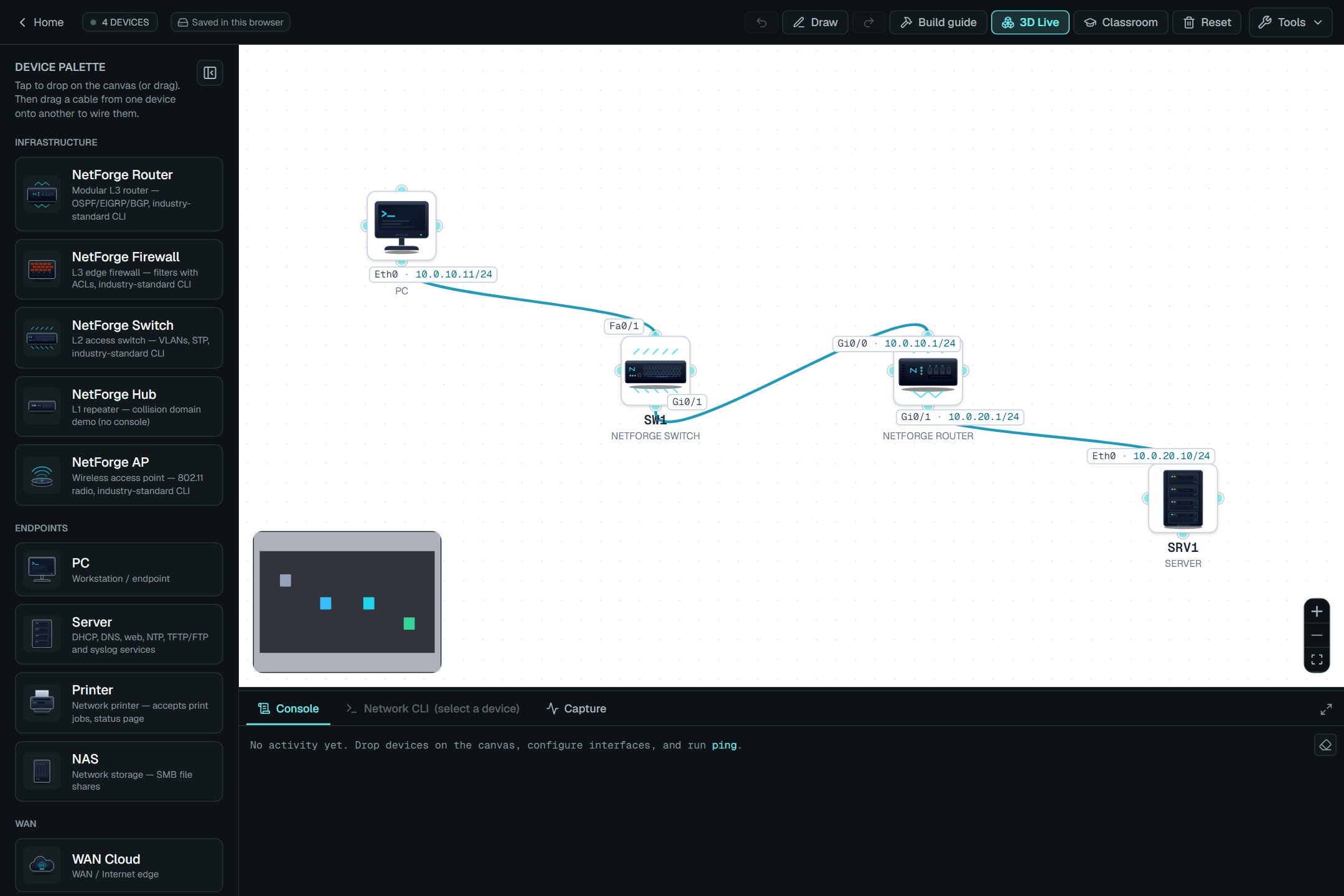
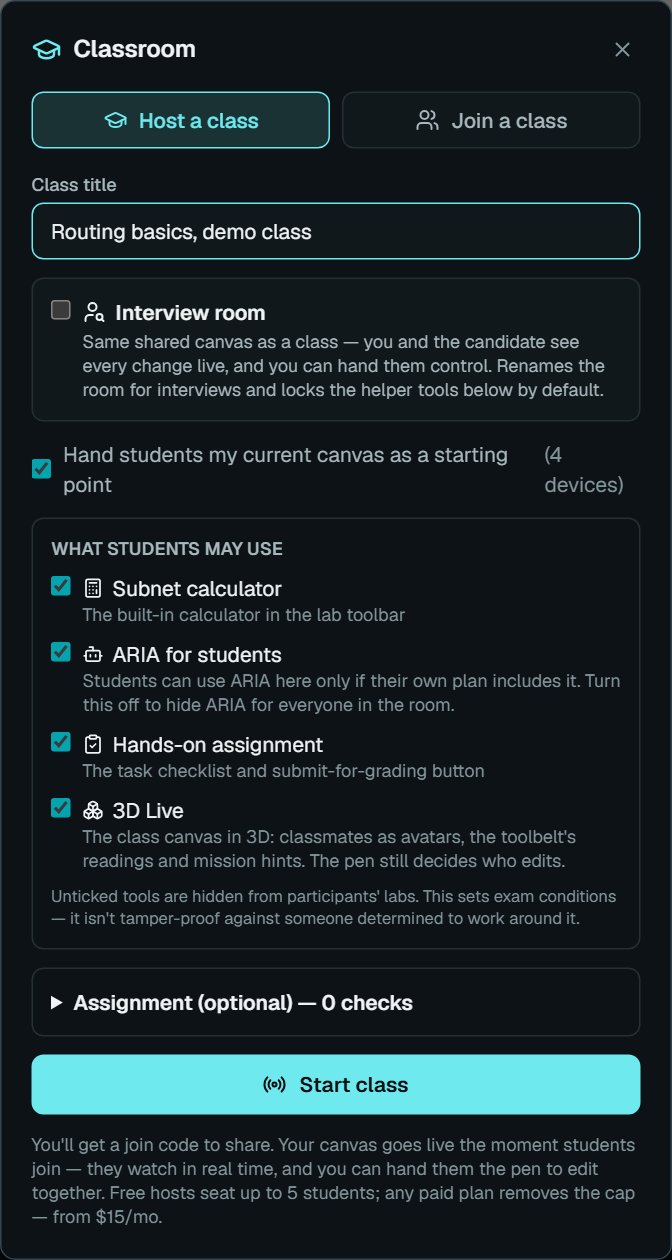
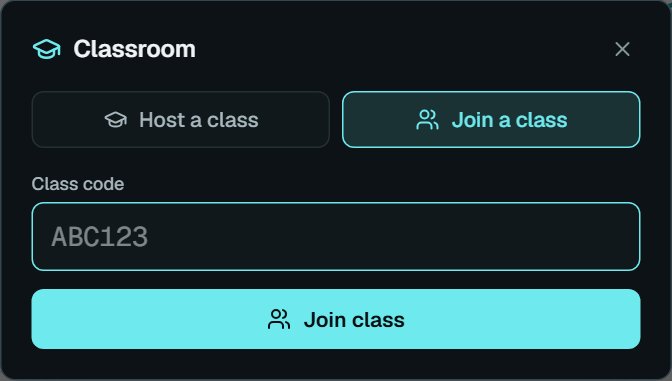
Open the lab, press Classroom and start a class. You get a short join code: students sign in with a free account, enter it, and land on your canvas. Every device you drag in, every cable and every CLI command appears on their screens live, and you can pass the pen so a student builds while the room watches.
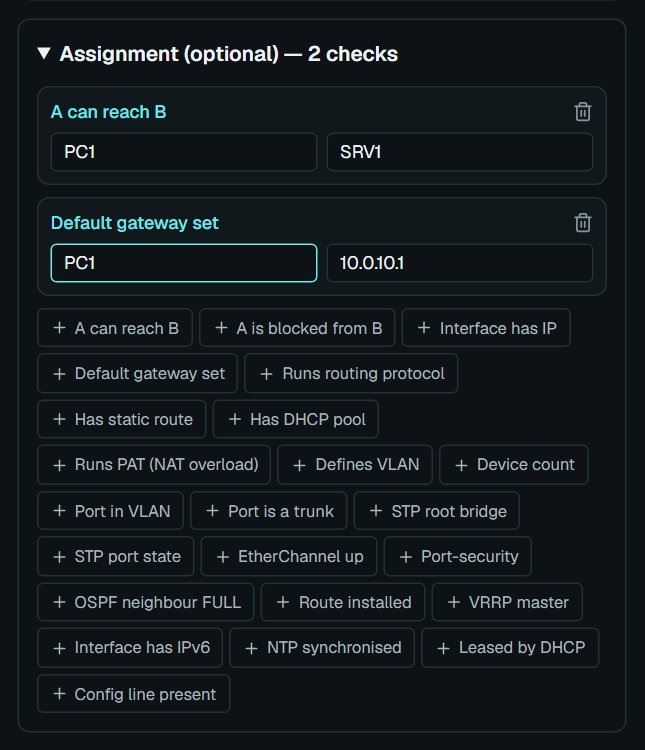
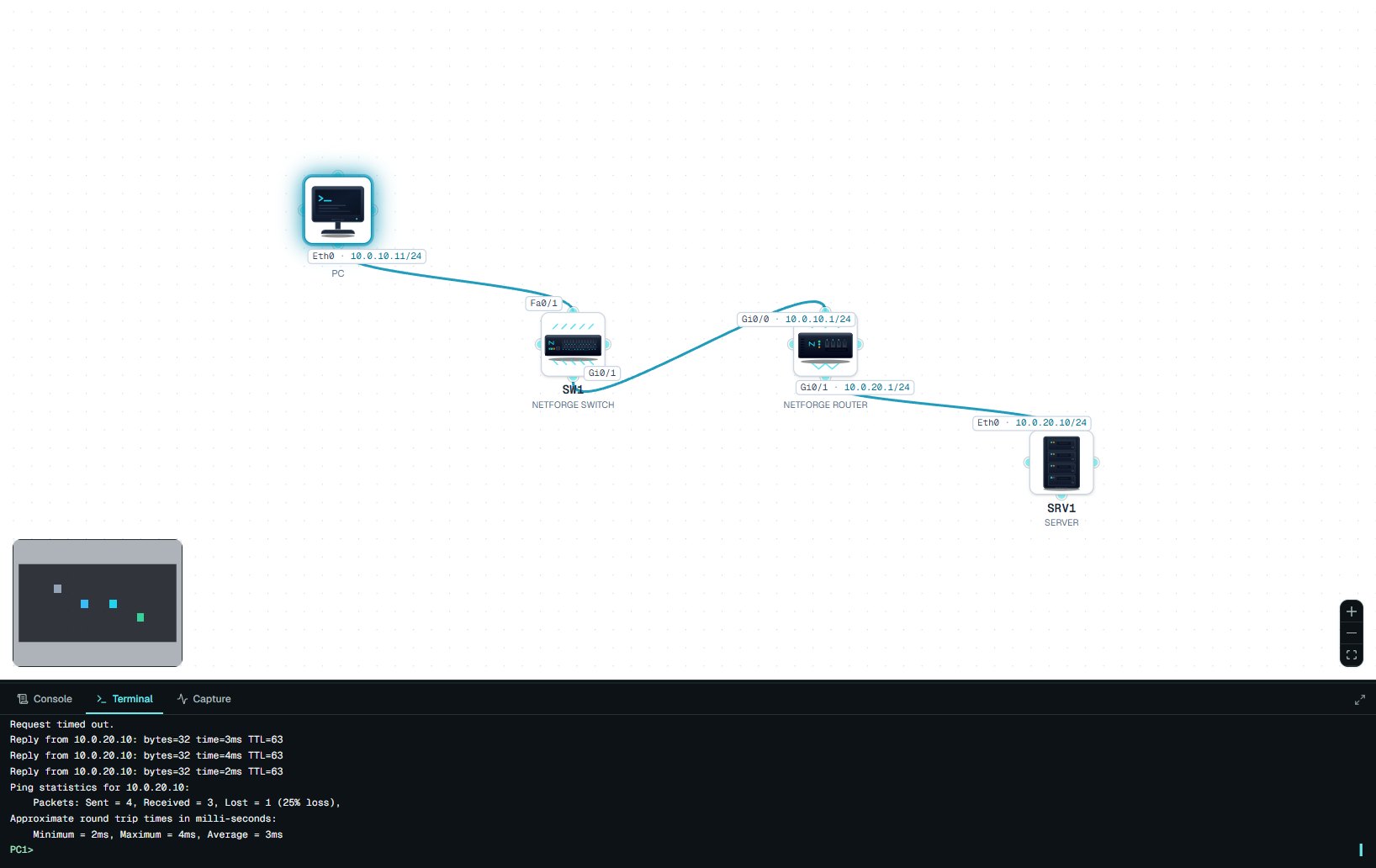
Add an assignment with checks such as "PC1 can reach SRV1", and the grader tests each submission against the live network. A class chat, private messages and file sharing keep questions next to the lab.
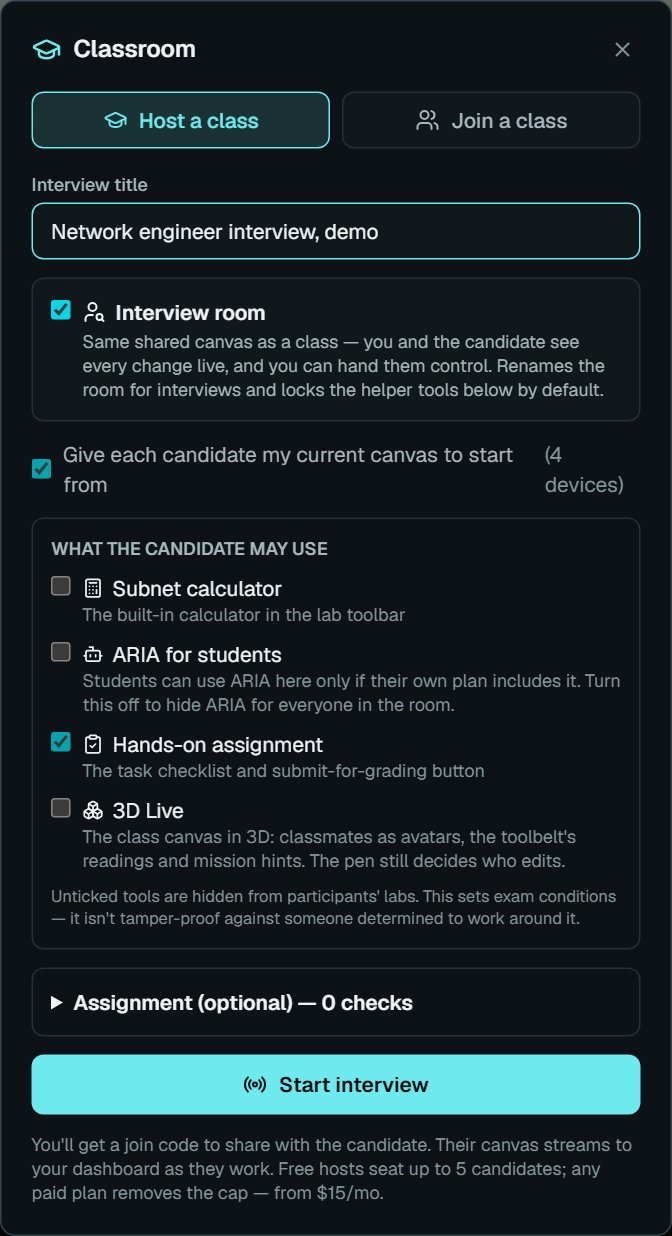
Tick Interview room for a one-to-one session, with the helper tools hidden by default.
A free account hosts up to 5 students; paid plans remove the cap. Start a class at netforge-ai.com/teachers
Hi everyone, the NetForge-AI team here.
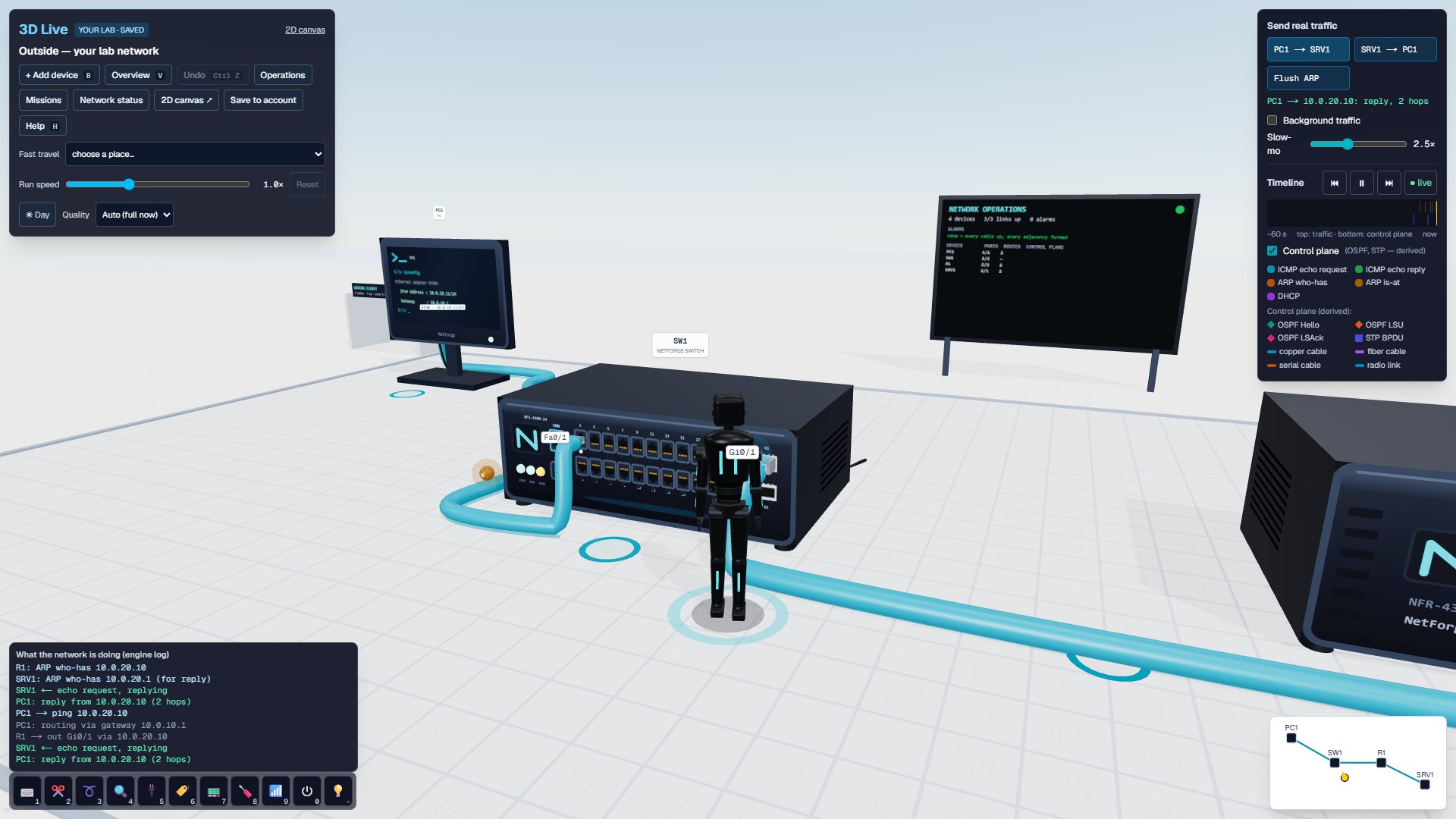
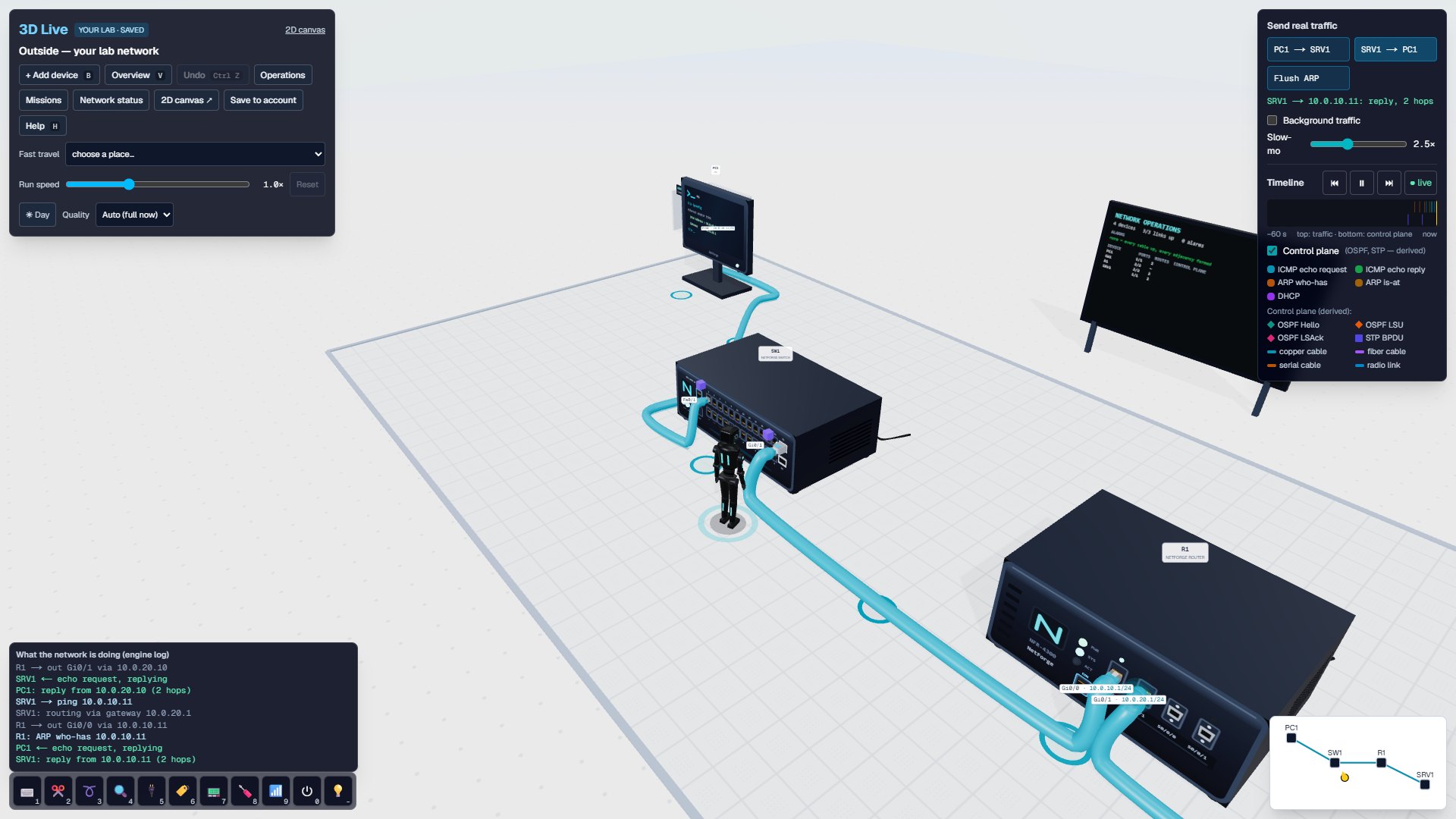
Meet 3D Live: the network you build in the lab, turned into a 3D world you can walk through.
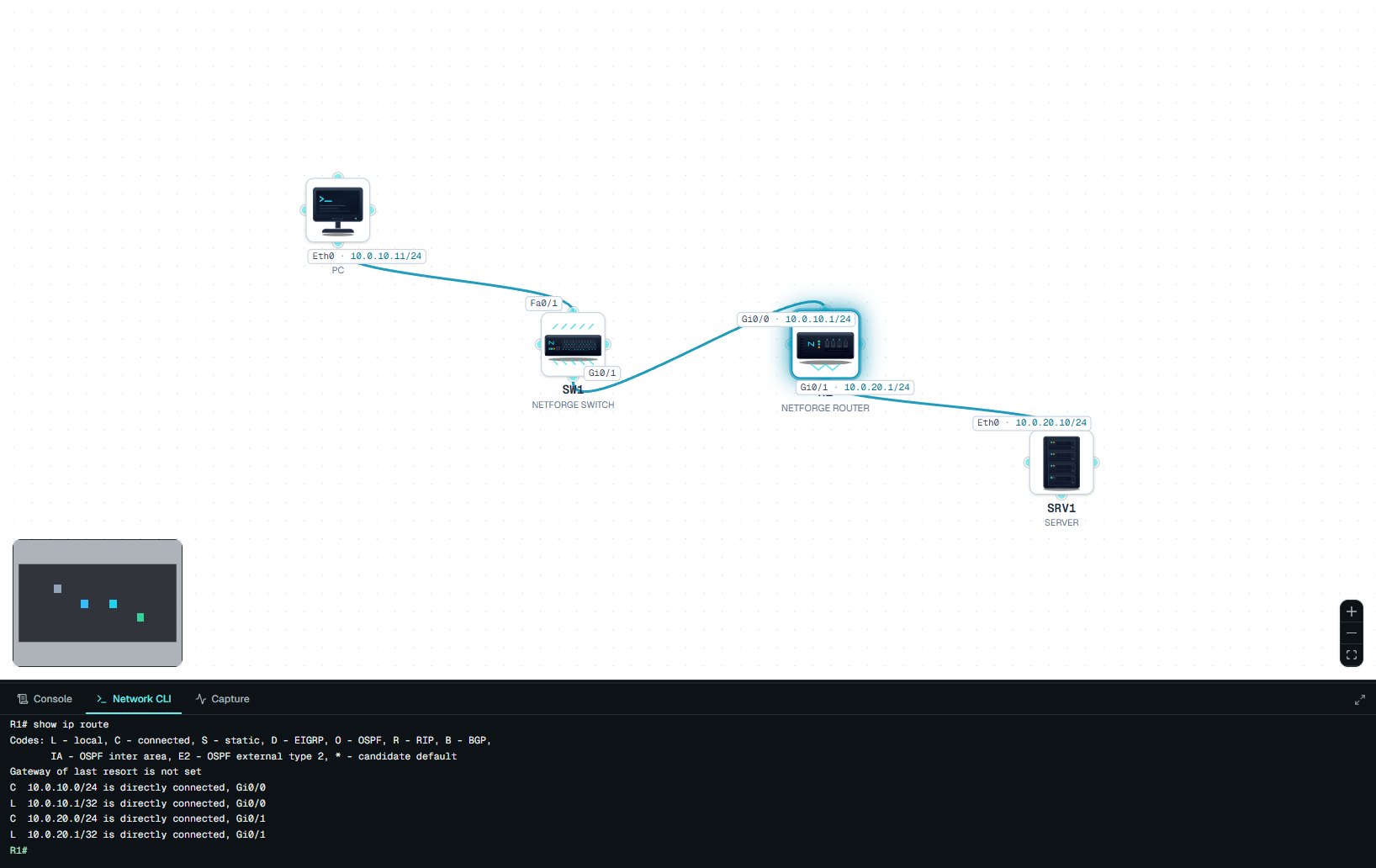
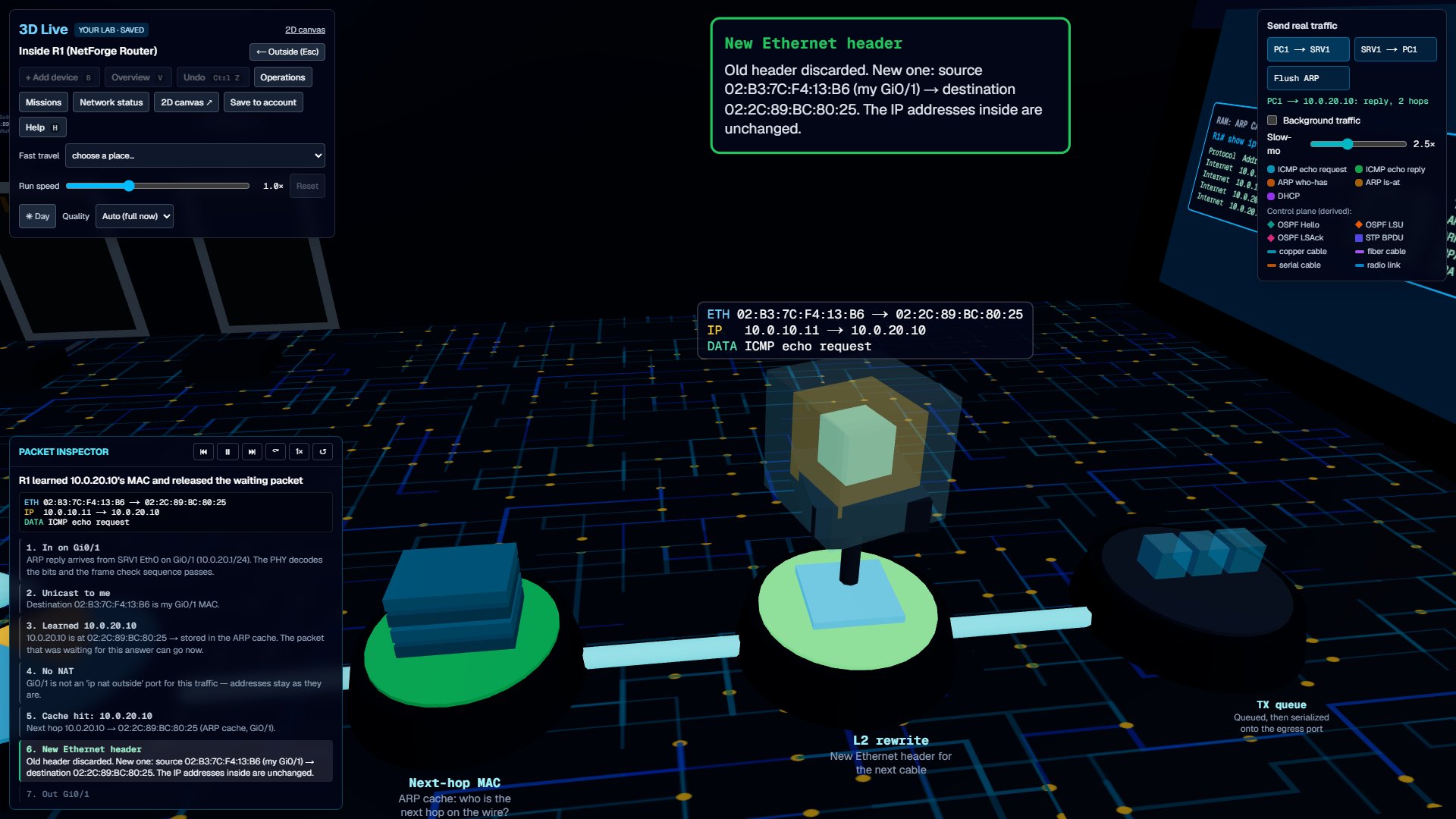
Wire a topology on the 2D canvas, press 3D Live, and a little engineer stands among your switches, routers, PCs and servers, with every cable you connected. Send a ping and watch it travel. Then step inside a device. A router shows each stage of handling the packet, from the port it arrived on to the new Ethernet header it writes, with the real addresses, the device's own tables and the show command that proves each step.
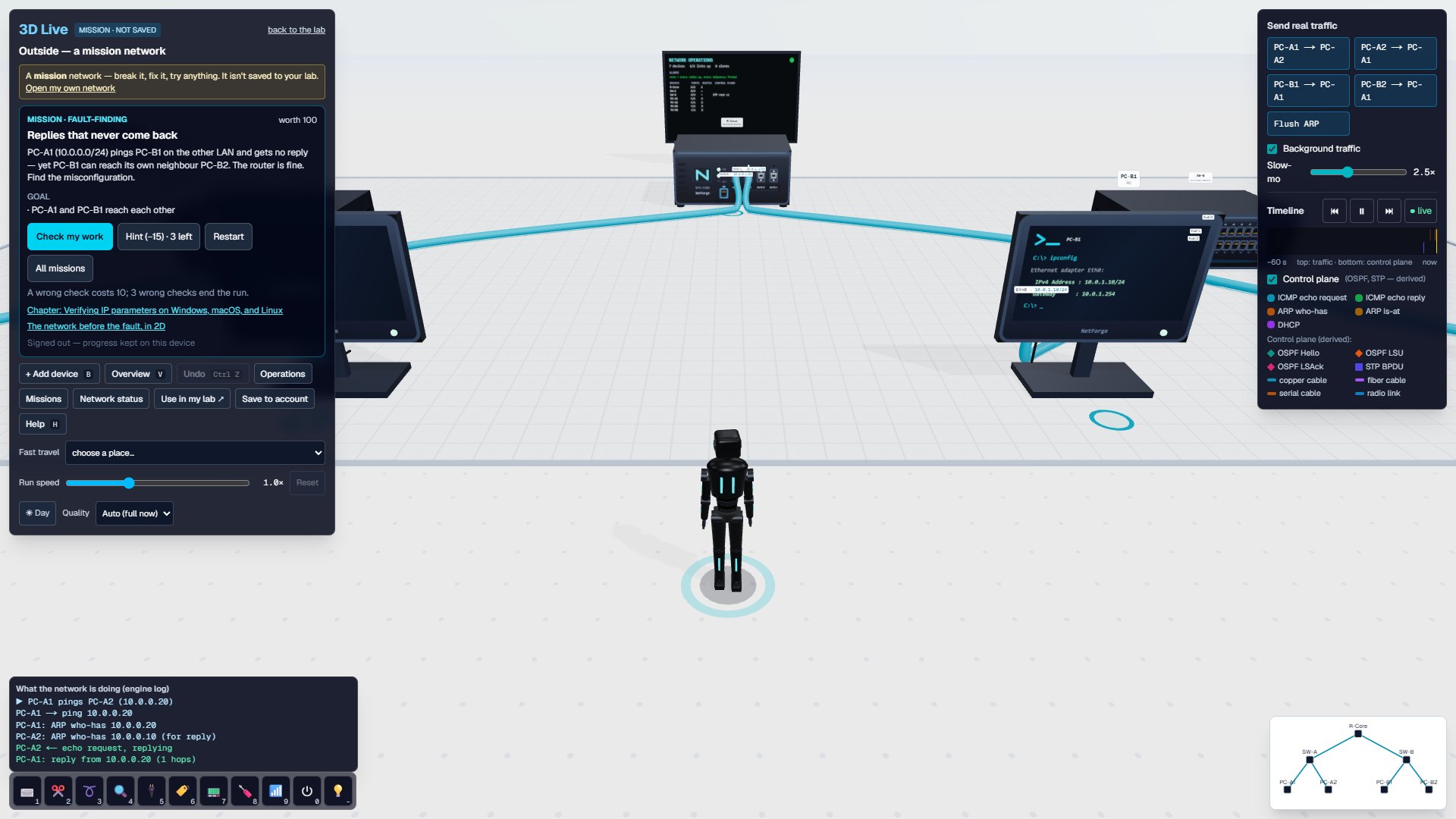
There are guided fault-finding missions too, and anything you build in 3D is saved back to your lab: the 2D canvas and 3D Live are one network.
3D Live is free on every plan and opens without an account. Try it at netforge-ai.com/lab/world

Jump into a hands-on lab challenge
NetForge-AI is an independent educational platform and is not affiliated with, endorsed by, or sponsored by any networking vendor or certification body. All product names, protocols, and standards referenced are the property of their respective owners and are used for descriptive, educational purposes only.